> ## Documentation Index
> Fetch the complete documentation index at: https://docs.solayer.org/llms.txt
> Use this file to discover all available pages before exploring further.
# Physical Card
## How to Order Your Physical Card
Download the Solayer Pay app on iOS or Android.
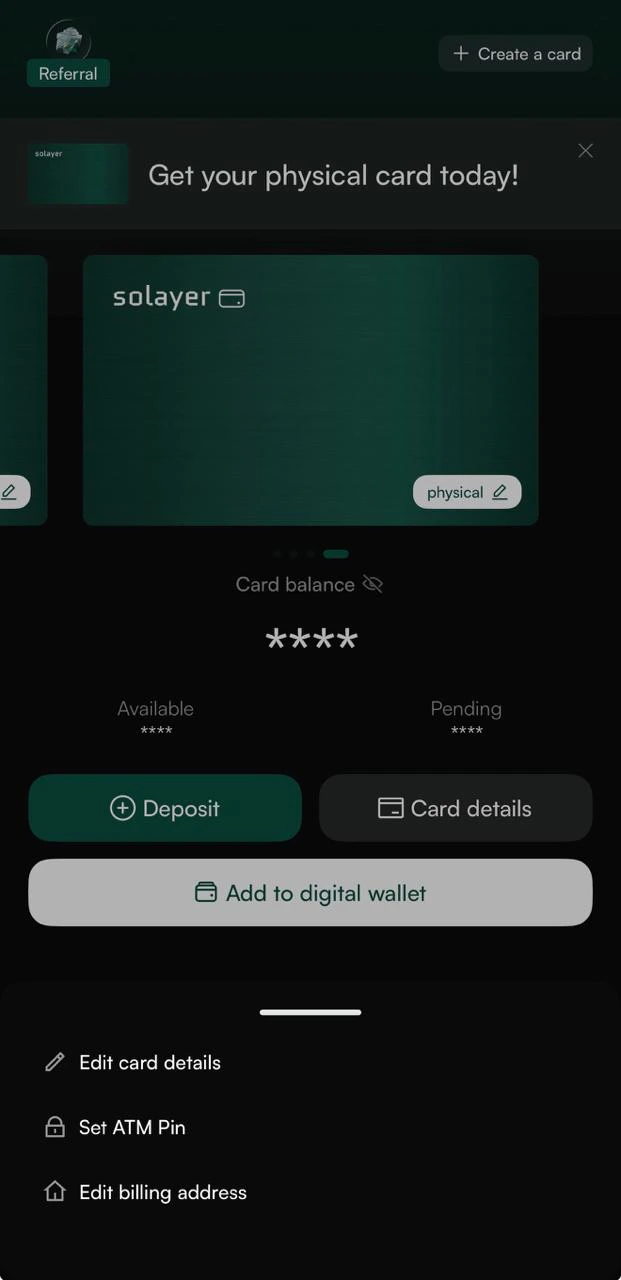
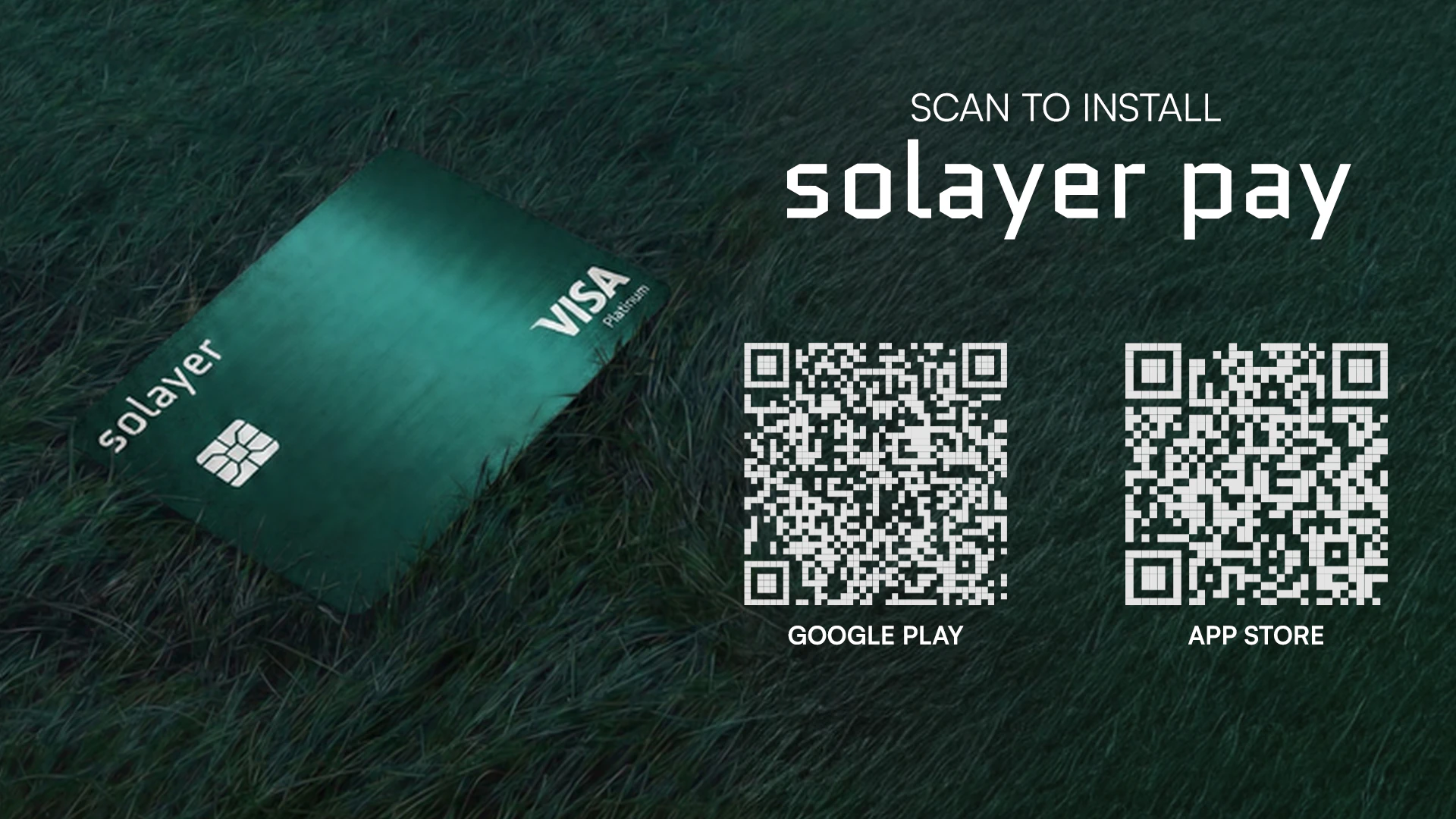 Access your Solayer Pay Dashboard:
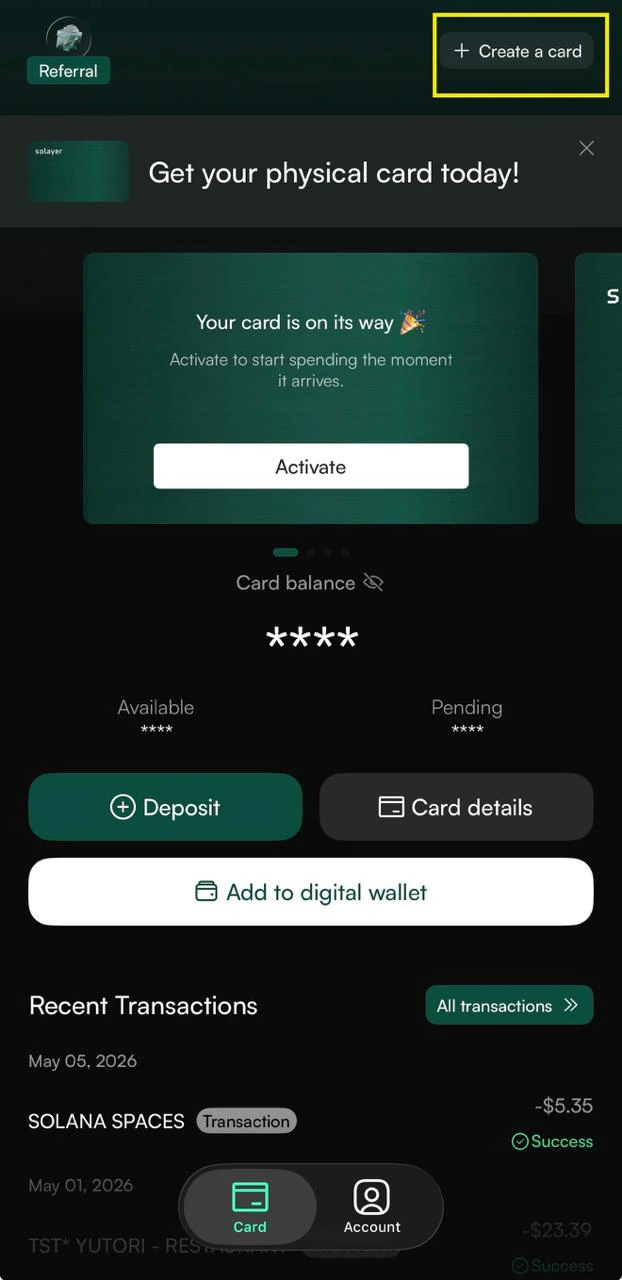
* **Existing users:** Go to your Dashboard and tap **"Create a card"**.
* **New users:** First, complete Solayer Pay onboarding in the app (KYC + virtual card activation). Once your account is set up, you can order your physical card from the Dashboard.
Enter your shipping address and confirm your details.
Access your Solayer Pay Dashboard:
* **Existing users:** Go to your Dashboard and tap **"Create a card"**.
* **New users:** First, complete Solayer Pay onboarding in the app (KYC + virtual card activation). Once your account is set up, you can order your physical card from the Dashboard.
Enter your shipping address and confirm your details.
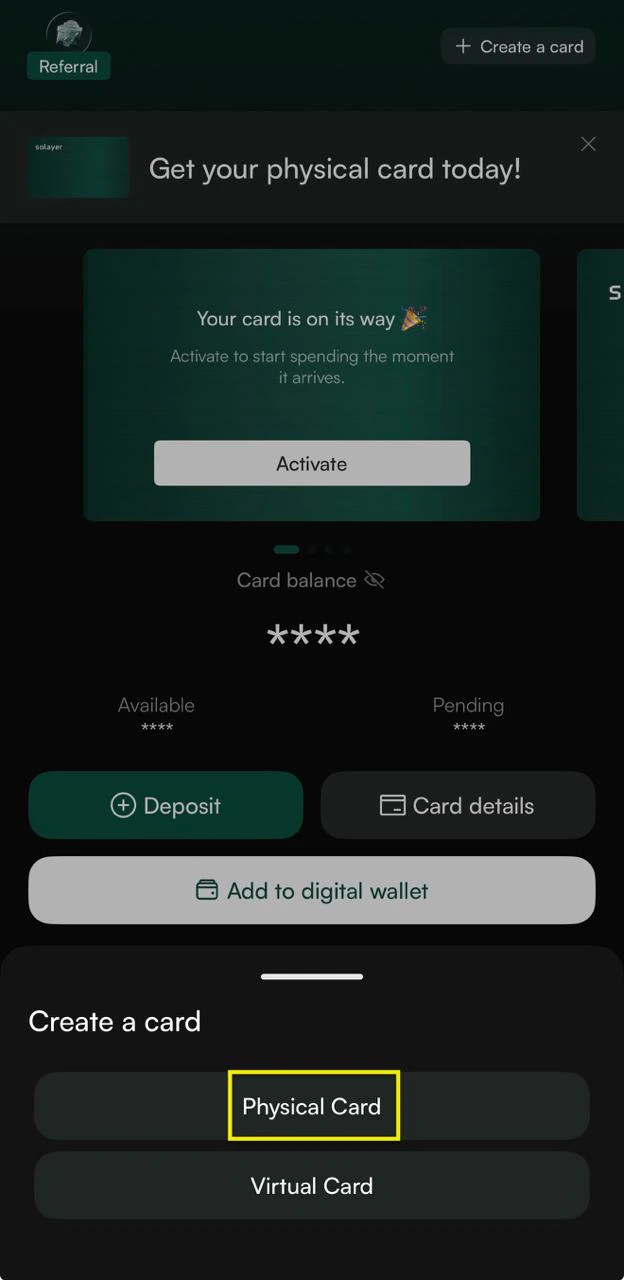 Each Solayer Pay account is limited to **10 cards total**, including cancelled, closed, and inactive cards. Cancelling a card does not free up a slot, so please order thoughtfully — once you reach 10, you can't issue new cards on this account.
## Physical Card Fee
The physical card is **FREE** — you only pay shipping.
**Note for new users:** A one-time **\$20 account activation fee** applies when you set up your Solayer Pay account (covers your virtual card for the first year).
## Shipping & Delivery
**Delivery time:** Depends on the shipping method you select at checkout.
**Shipping Address changes:** Once your order is submitted, the shipping address cannot be changed. Please double-check all details before confirming.
| Shipping Method | Shipping Cost | Details |
| --------------------- | ------------- | --------------------------- |
| US Express | \$24.99 | 2–5 business days, tracked |
| International Express | \$59.99 | 5–11 business days, tracked |
*Shipping time includes card production time.*
## Activating Your Card
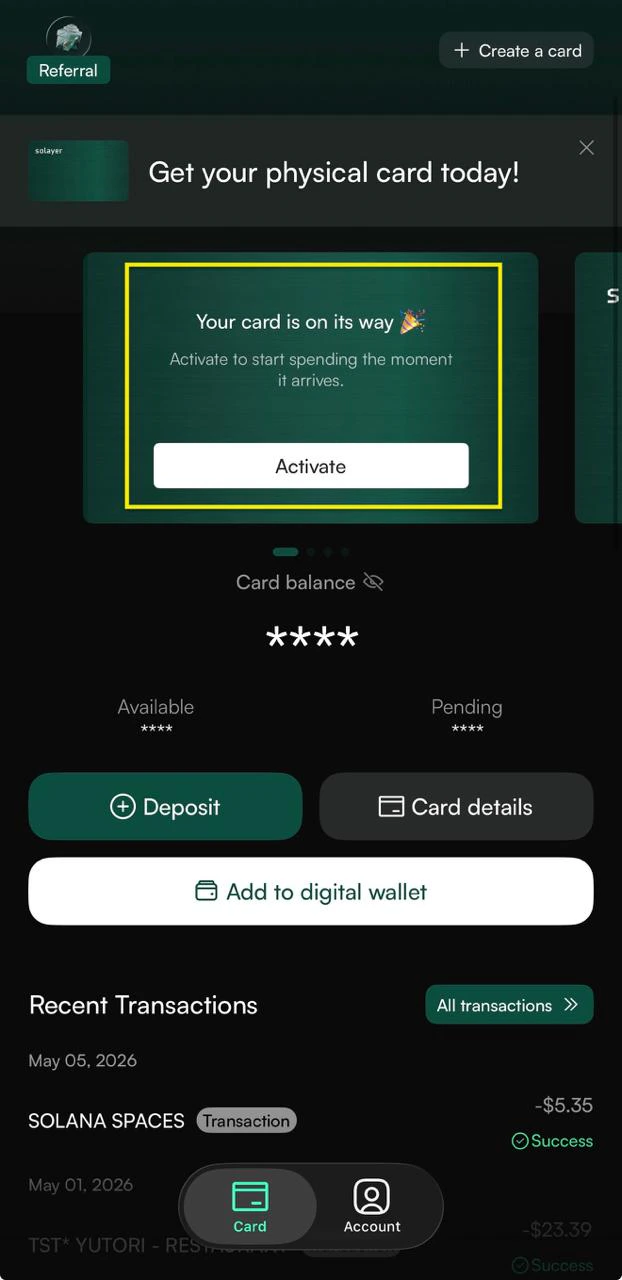
Once your card arrives:
1. Open the Solayer Pay app.
2. Tap **"Activate Physical Card"** and follow the on-screen prompts. You'll be asked to enter your card details and set your PIN.
## Using Your Physical Card
* **In-store purchases:** Use your card like any regular Visa card.
* **Contactless payments:** Tap-enabled for faster checkout at supported terminals.
* **ATM withdrawals:** Supported in most regions where Visa ATMs are available. Standard ATM and network fees may apply.
* Maximum withdrawal amount per transaction: **\$250** (inclusive of any ATM surcharges)
* Maximum attempts: **Three** within a rolling 24-hour period
* **Online purchases:** Use either your physical or virtual card number.
* **Apple Pay & Google Pay:** Add your physical card to your digital wallet directly from the app.
## FAQs
**Q: Can I still use my virtual card after activating the physical one?**
Yes. Both cards remain active and draw from the same Solayer Pay balance.
**Q: What if my card is lost or stolen?**
Freeze it immediately in the app, then order a replacement card.
**Q: How many cards can I have on one account?**
Each account is limited to 10 cards total including cancelled, closed, and inactive cards. Once you hit the limit, you cannot issue new cards — cancelling does not free up a slot. Please order thoughtfully.
**Q: Can I add my physical card to Apple Pay or Google Pay?**
Yes.
**Q: Is my PIN recoverable if I forget it?**
You can reset your PIN in the mobile app.
***
## Need Help?
If you have questions about your card or your order, reach the Solayer Pay support team through the app or at [support@solayer.org](mailto:support@solayer.org).