

How to Order Your Physical Card
Download the Solayer Pay app on iOS or Android.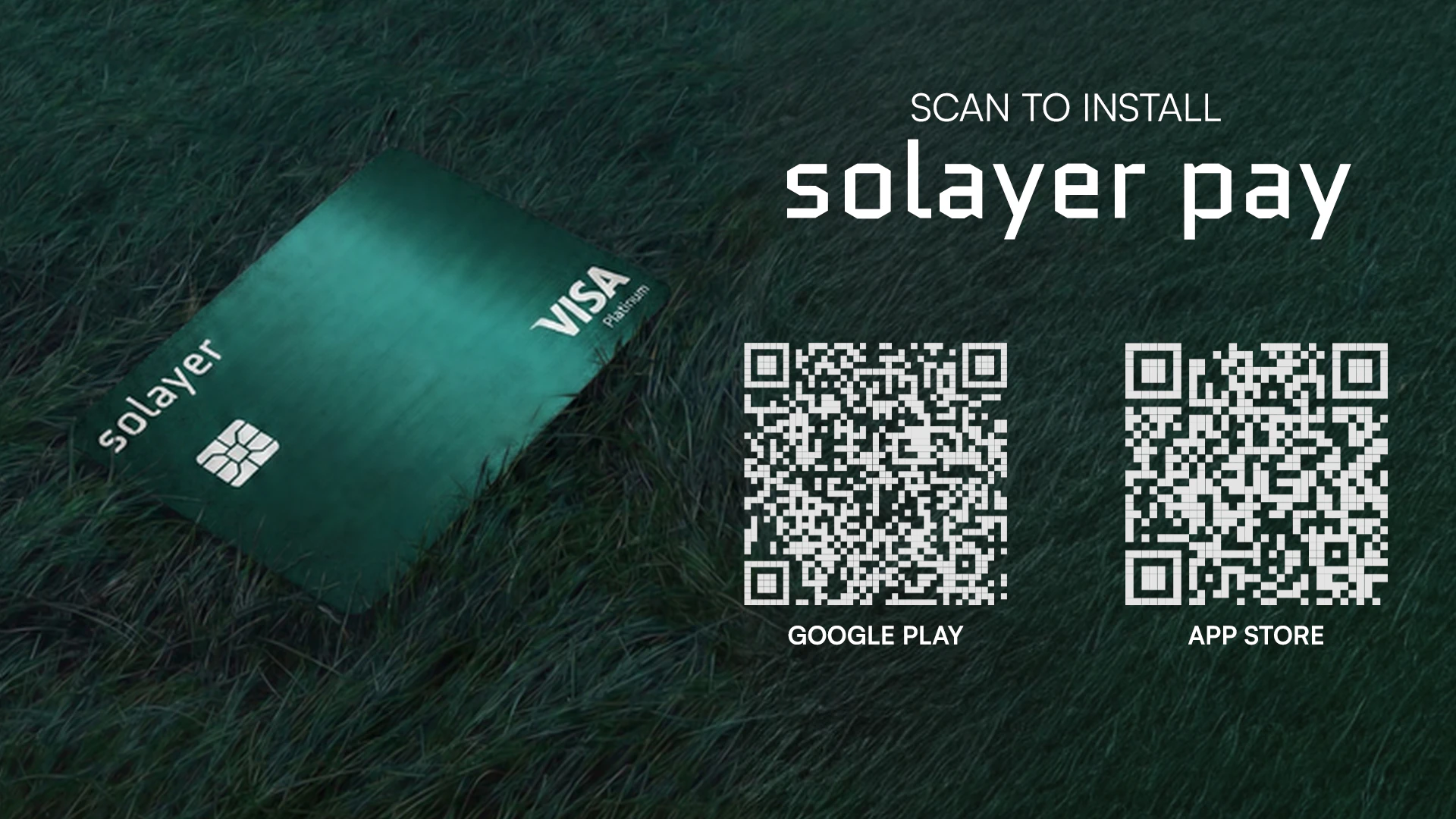
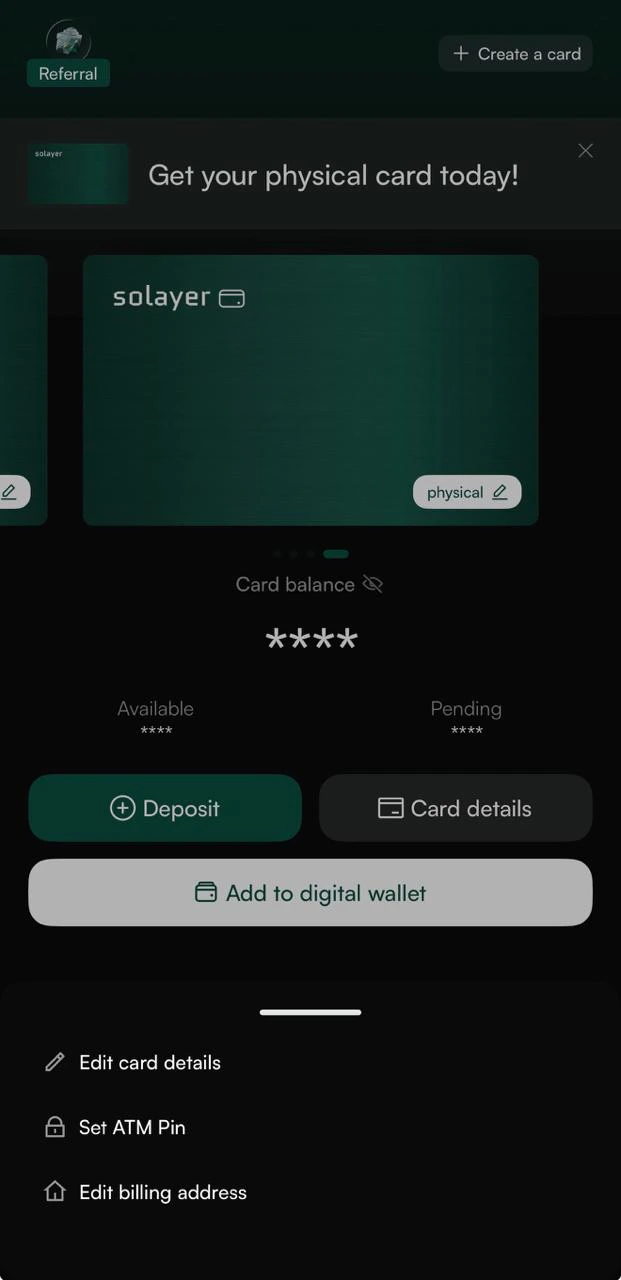
- Existing users: Go to your Dashboard and tap “Create a card”.
- New users: First, complete Solayer Pay onboarding in the app (KYC + virtual card activation). Once your account is set up, you can order your physical card from the Dashboard.
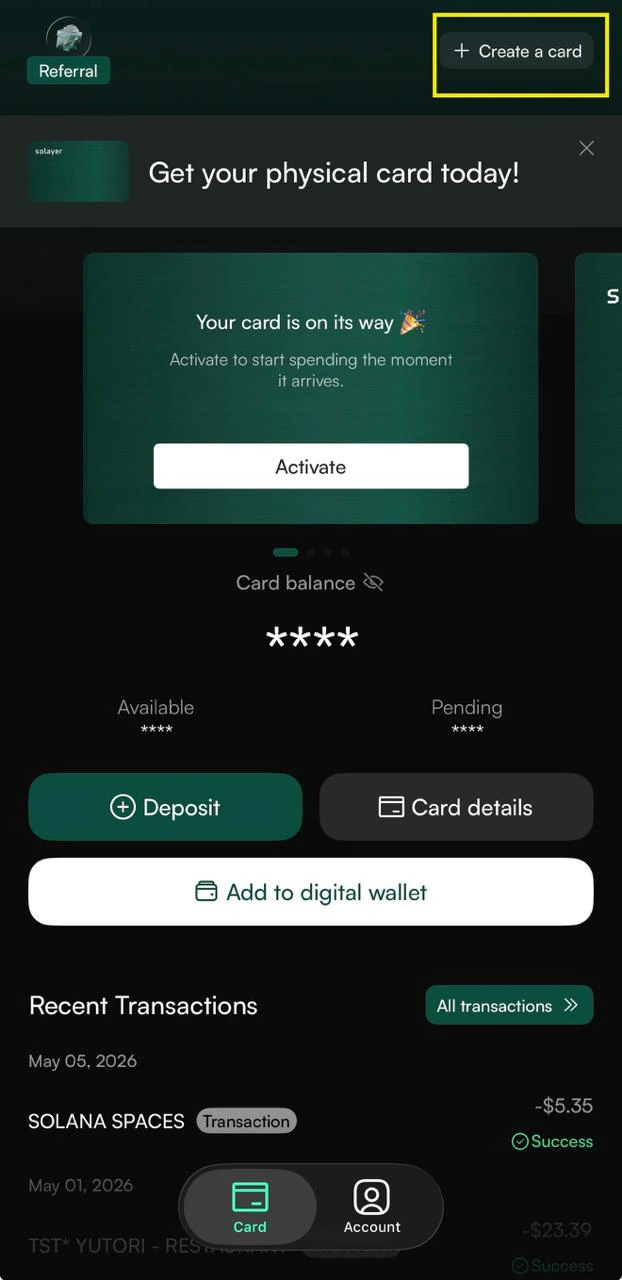
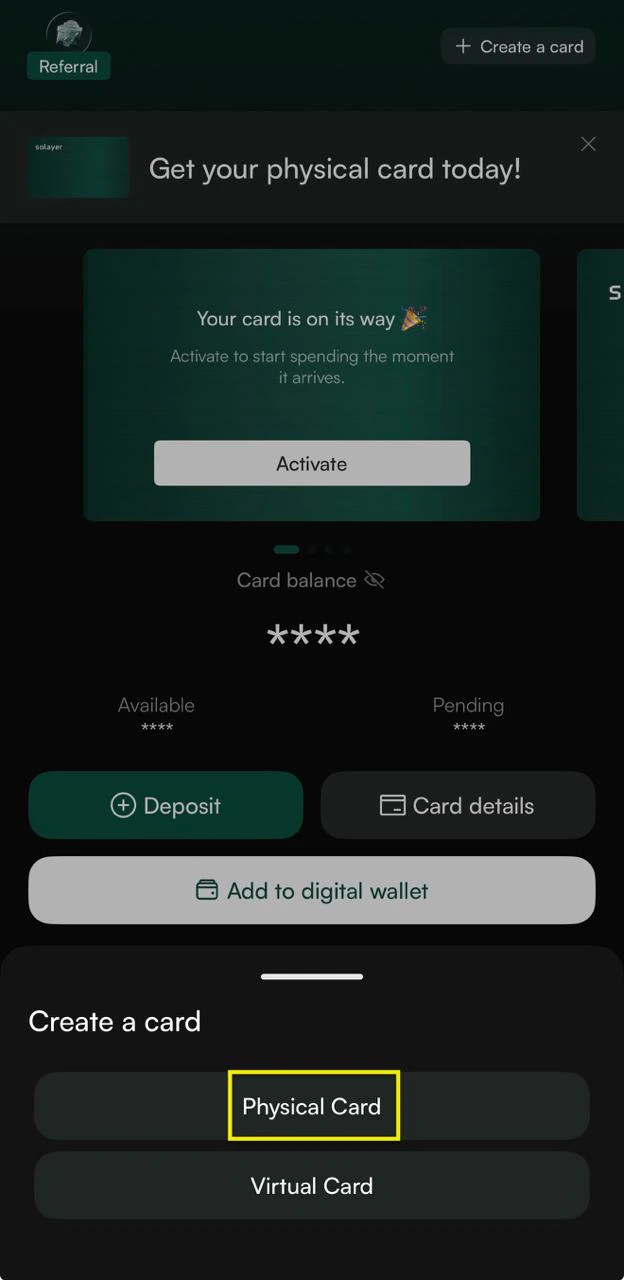
Physical Card Fee
The physical card is FREE — you only pay shipping.Note for new users: A one-time $20 account activation fee applies when you set up your Solayer Pay account (covers your virtual card for the first year).
Shipping & Delivery
Delivery time: Depends on the shipping method you select at checkout. Shipping Address changes: Once your order is submitted, the shipping address cannot be changed. Please double-check all details before confirming.
Shipping time includes card production time.
Activating Your Card
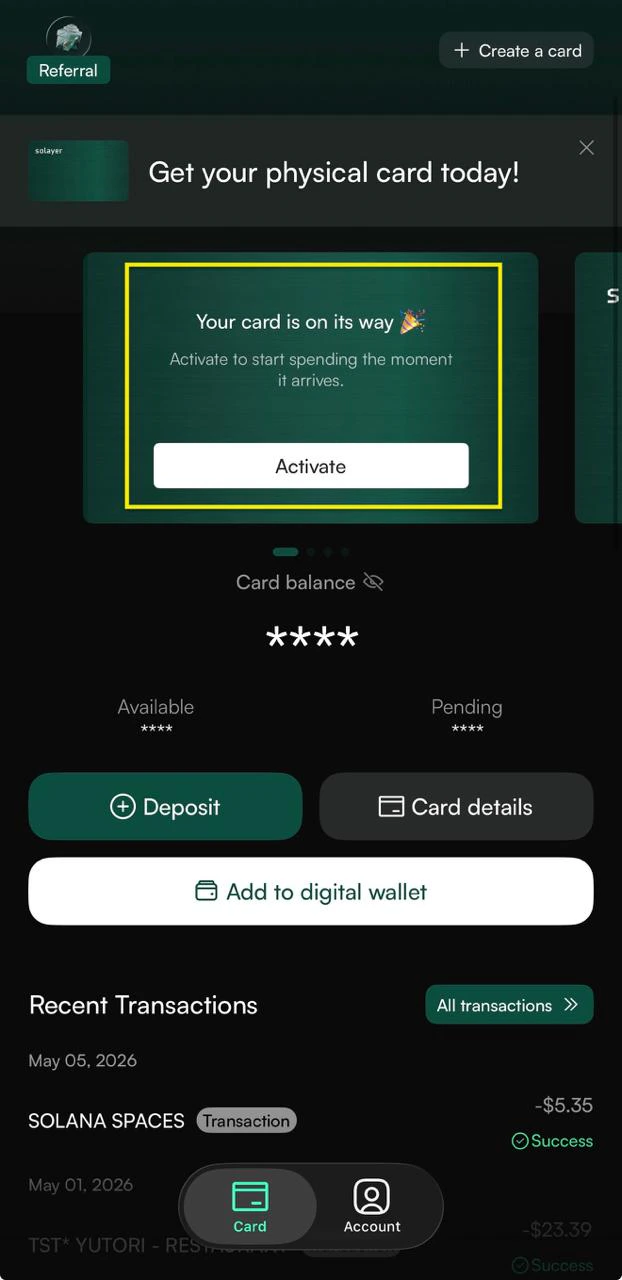
Once your card arrives:- Open the Solayer Pay app.
- Tap “Activate Physical Card” and follow the on-screen prompts. You’ll be asked to enter your card details and set your PIN.
Using Your Physical Card
- In-store purchases: Use your card like any regular Visa card.
- Contactless payments: Tap-enabled for faster checkout at supported terminals.
- ATM withdrawals: Supported in most regions where Visa ATMs are available. Standard ATM and network fees may apply.
- Maximum withdrawal amount per transaction: $250 (inclusive of any ATM surcharges)
- Maximum attempts: Three within a rolling 24-hour period
- Online purchases: Use either your physical or virtual card number.
- Apple Pay & Google Pay: Add your physical card to your digital wallet directly from the app.